

WHY VRC
Enterprise Content Management and Digital
File Management System
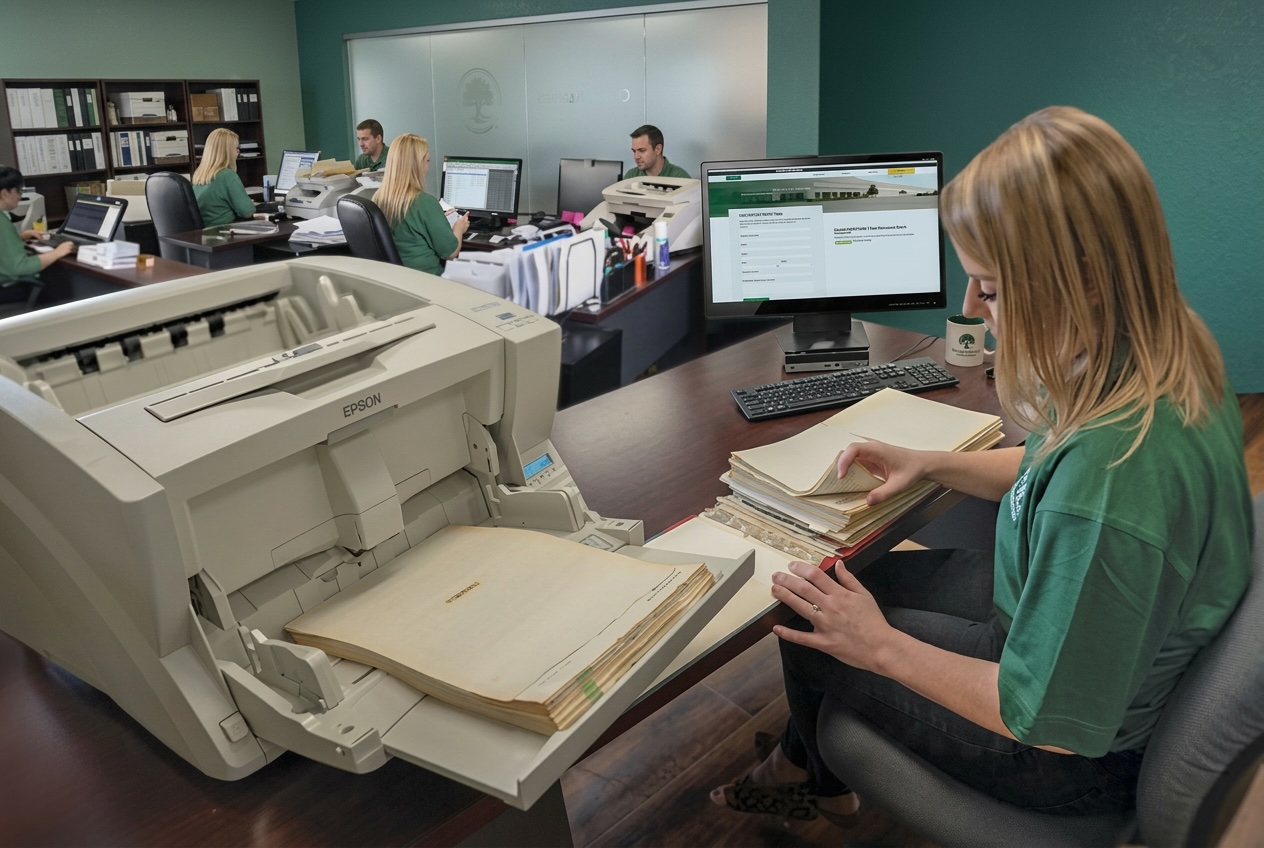
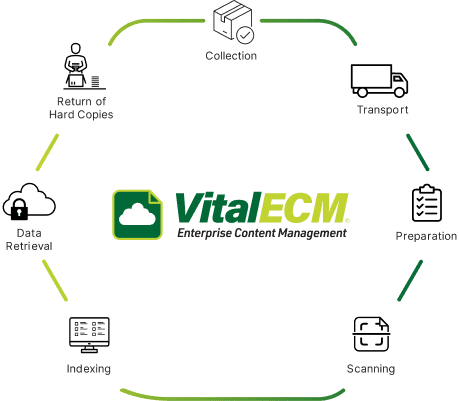
Most organizations run on a mix of paper files, shared drives, and email. VitalECM® pulls it into one enterprise content management system: we scan what’s on paper, store everything in secure ECM software, and automate the processes that depend on it.
Because VRC also stores and shreds physical records, one partner can manage your information whether it lives in a box, a server, or both.
Capture and Digitize Documents
Our document scanning services turn paper, microfilm, and incoming mail into searchable files, each checked for legibility and color accuracy.
Securely Store Your Assets
Store your digital files securely with our cloud-based document management system. Safeguard data backups and ensure business continuity with our off-site tape vaulting.
Access and Share Information
With our ECM solution, businesses can access and share all their digital records within minutes, with encryption and strict access control protocols in place.
Automate Workflows
Route invoices, HR forms, and approvals automatically so work moves without someone walking paper from desk to desk. See workflow automation.
Turn Information into Insight
Intelligent document processing pulls data out of invoices, forms, and contracts, so information that used to sit in file cabinets can feed reports and decisions.
Connect Your Data
Connect VitalECM® to the business systems you already use, such as your ERP, EMR, or accounting software, so documents attach to the records they belong to.
Manage Information
Manage your information lifecycle with ease. We can securely shred physical assets or store them in our state-of-the-art off-site data vaults, giving you complete control and convenience.
solutions
Explore Our Enterprise Document Management Solutions
Each VitalECM® service works on its own or as part of a larger ECM program. Start with the one that solves today’s problem and add the rest as you grow.
How ECM Works
What Are the Components of an Enterprise Content Management (ECM) System?
Every ECM system, VitalECM® included, is built on five components:
Capture
Capture documents digitally.
Manage
Index and manage information so it can be found and used.
Store
Connect data in a secure cloud storage repository, such as a content management platform.
Preserve
Data is backed-up and preserved for long-term use.
Deliver
Users are provided with data, when they need it.
FAQs
Enterprise Content Management FAQs
Unsure if our document management services or electronic records software is right for your organization? Start with some of our frequently asked questions to see if we have the right file management service to fit your needs.
Resources
Related Secure Document Management Resources
Stay informed with our expert perspectives on information management trends
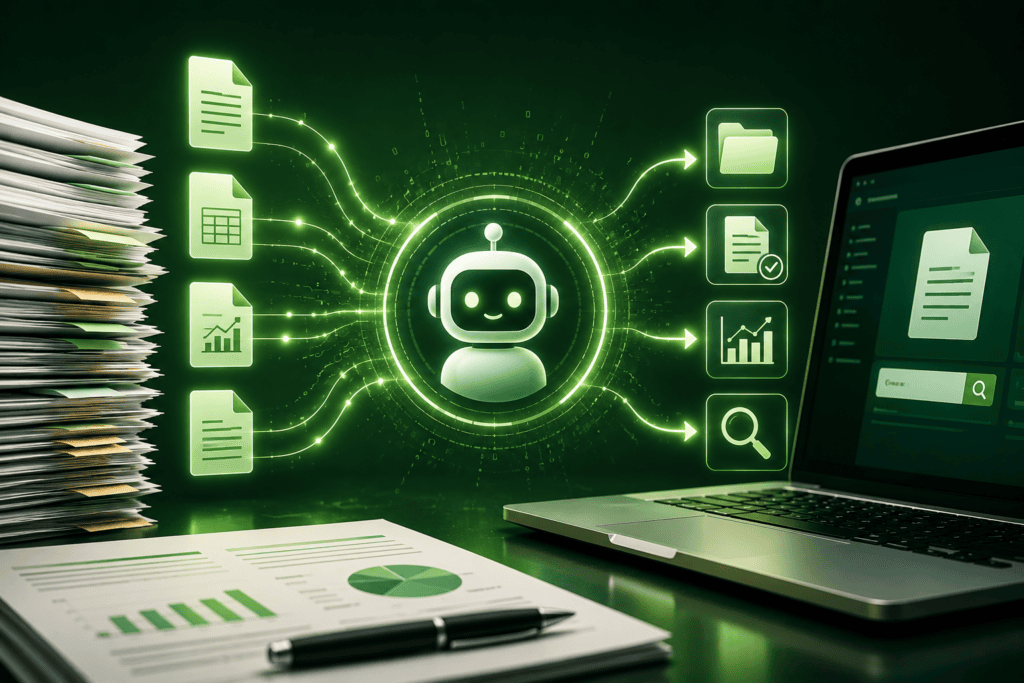
AI-Powered Document Retrieval: How Intelligent Queries Are Transforming Data Access
Read More
Securing Success: Information Management for Small Businesses
Read More
Ready to Bring Your Content Into One System?
Talk to a VitalECM® specialist about where to start, whether that’s a scanning backlog, a new workflow, or a full ECM rollout.
